Meme Culture and Creation Techniques
Deep dive into internet meme culture. From classic formats to the latest trends — learn how to create high-quality memes quickly for social media.
Memes are a fast way to communicate humor, reactions, and shared experiences. Understanding how they work helps you create images that feel natural instead of forced. This guide covers the basics of meme formats, text placement, and how to make a meme with PictKit.
Why Memes Work
A successful meme usually depends on three things:
- Recognition: the viewer recognizes the format or reference.
- Relatability: the joke connects to a shared experience.
- Simplicity: the image and text communicate the idea quickly.
When any of these is missing, the meme is harder to understand.
Common Meme Formats
Common formats include reaction images, image macros with top and bottom text, and panel-based sequences. Templates change over time, but the basic principles stay the same:
- Use a familiar image as the visual base.
- Keep the text short.
- Let the image do most of the work.
Text Placement and Readability
For classic image macros:
- Place the main text at the top and bottom.
- Use high contrast between text and background.
- Add a stroke or shadow for readability.
- Keep lines short enough to fit on the image.
How to Make a Meme with PictKit
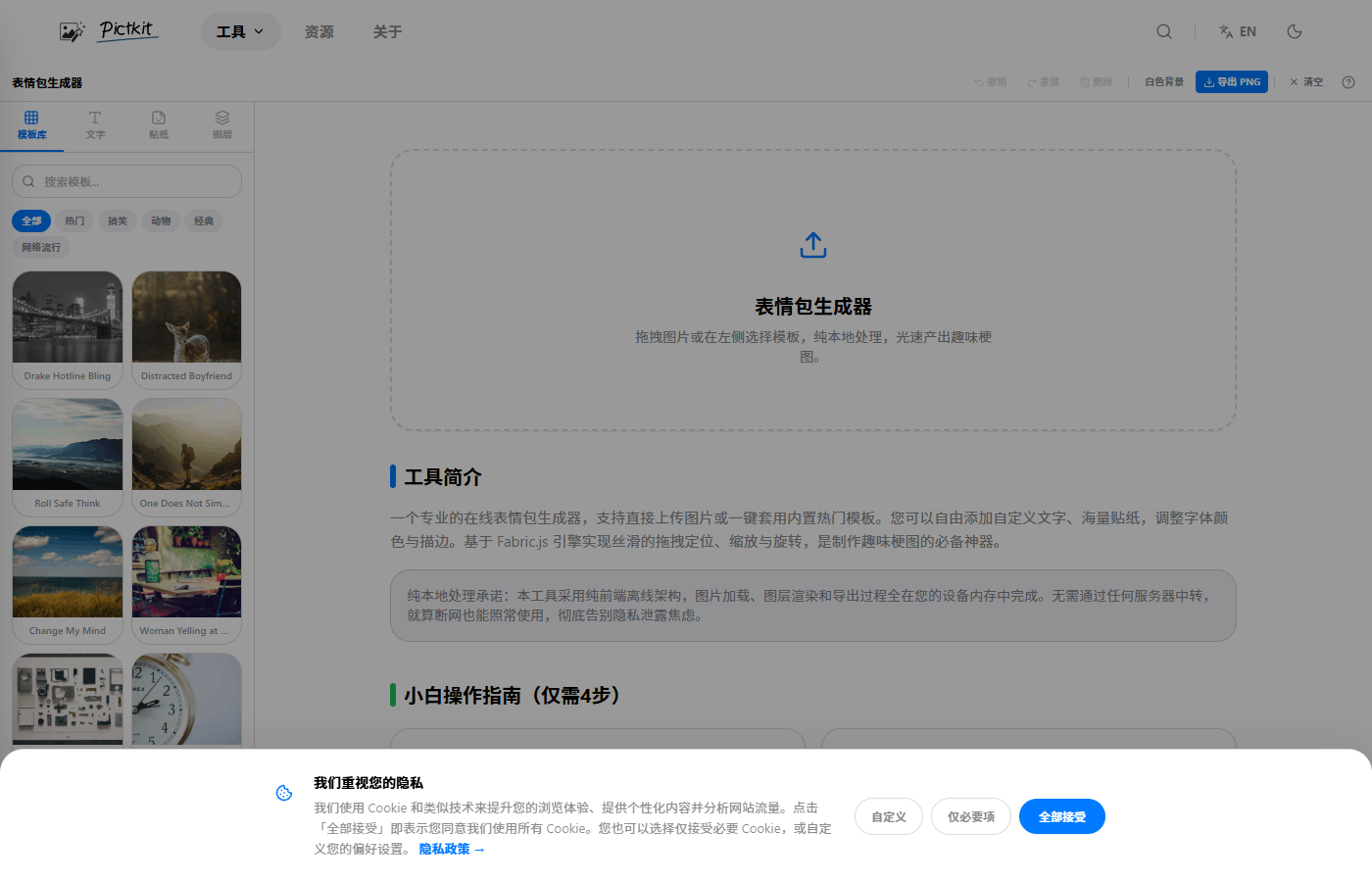
- Open the meme generator.
- Upload your own image or choose a template.
- Add top and bottom text.
- Adjust the font, size, color, and outline.
- Add stickers if they support the joke.
- Export as PNG or JPEG.
Best Practices
- Write the joke first, then choose the image.
- Avoid text that is longer than the image can display.
- Use consistent typography.
- Keep the joke appropriate for the platform and audience.
Copyright and Templates
Many meme templates come from photos, shows, or illustrations with rights holders. For personal sharing, this is often accepted, but for commercial use, choose templates and images you have permission to use.
Meme Checklist
- Start with an image the audience will recognize.
- Write a short caption that fits the image.
- Keep text readable with enough contrast.
- Match the joke to the platform and audience.
- Check usage rights before publishing memes commercially.
A strong meme is simple. If the viewer has to read too much or think too hard to get the joke, it probably needs to be simplified.
The caption should add something the image does not already say. Repeating the joke in both the image and the text usually makes the meme feel weaker.
FAQ
How do I know if a meme will work? Test it with a small audience. If the reference is too obscure or the text is too long, it will not land.
Can I use any image as a template? For personal use, yes. For commercial use, check the source and rights before publishing.
What makes a meme look professional? Consistent text placement, readable contrast, and a joke that matches the image.
Can I make memes without uploading my photos? Yes. PictKit processes images locally in the browser, so your original files do not need to be uploaded.